
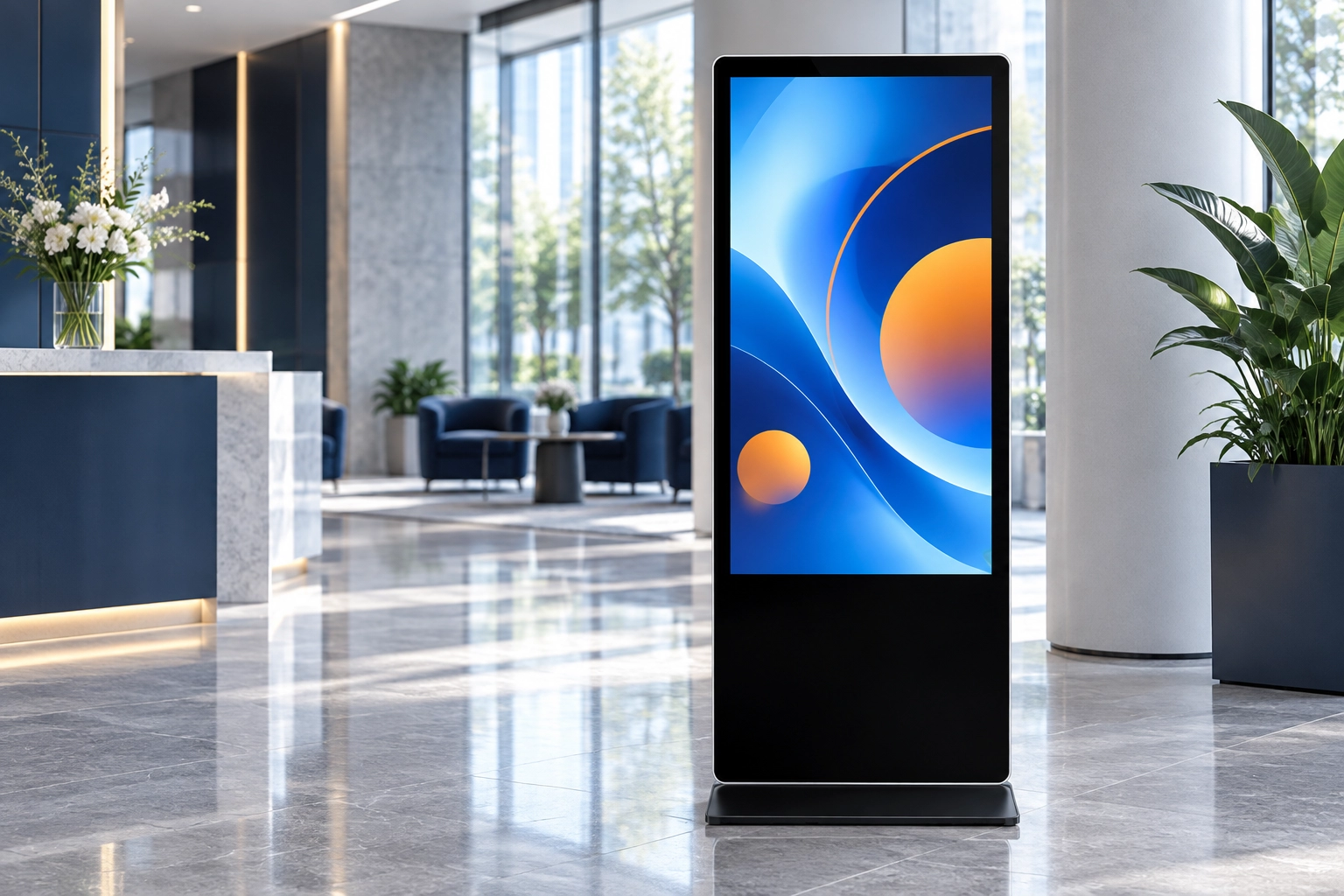
Start a digital signage purchase with the location and the message. A promotion beside an entrance, a menu above a counter, and an information screen in a hotel lobby need different layouts. Before comparing quotations, write down what visitors should see, where they will stand, and who will update the content.
1. Build a short site brief
Record the installation location, available space, nearest and farthest viewing positions, operating hours, and access to power and a network. Take photographs in normal daytime lighting. Include doors, windows, reflections, and nearby lighting in the photographs so suppliers can assess the actual setting.
Choose a sample of the content you intend to show. A full-screen photograph and a detailed menu place different demands on readability. Ask to see your own files on the proposed display rather than judging only a supplier's demonstration video.
2. Match the format to the space
- Floor-standing portrait displays: Consider these for entrances and reception areas where the cabinet footprint fits the available circulation space.
- Wall-mounted landscape displays: Consider these for menus and wider information layouts. Confirm the wall structure and mounting hardware.
- Embedded or ceiling-mounted displays: Request installation drawings, service access requirements, and a separate accessory list before planning the fit-out.
3. Evaluate readability in real lighting
Brightness and reflections affect how well a display can be read. An indoor location and a sun-facing window should not be treated as the same environment. Samsung's overview of high-brightness signage illustrates why window-facing installations require particular attention.
Ask the supplier to confirm the proposed model's brightness, supported orientation, operating schedule, ventilation needs, and environmental limits in writing. Check the smallest text from the farthest intended viewing point. Do not assume that a higher resolution alone makes a poorly designed menu readable.
4. Test the content workflow
Decide whether updates will be local or managed across multiple locations. Request a demonstration of uploading your files, scheduling a playlist, and restarting playback. Ask which functions require subscriptions, internet access, or additional hardware. Include account ownership and administrator access in the handover plan.
5. Compare the complete quotation
Use the same specification sheet for every quotation. List the screen, player configuration, mounting accessories, cables, software fees, packaging, delivery scope, and support arrangements separately. A lower hardware price may represent a different configuration or exclude parts needed for installation.
Before you place an order
- Approve a sample using your actual content and planned mounting orientation.
- Confirm what happens after a restart and a temporary network interruption.
- Record the approved model, configuration, accessories, and acceptance criteria.
- Agree on support contacts and replacement procedures.
Contact our team with your site photographs, preferred format, quantity, and installation schedule to discuss a suitable quotation. This guide is a planning checklist; final specifications depend on the selected model and confirmed configuration.