
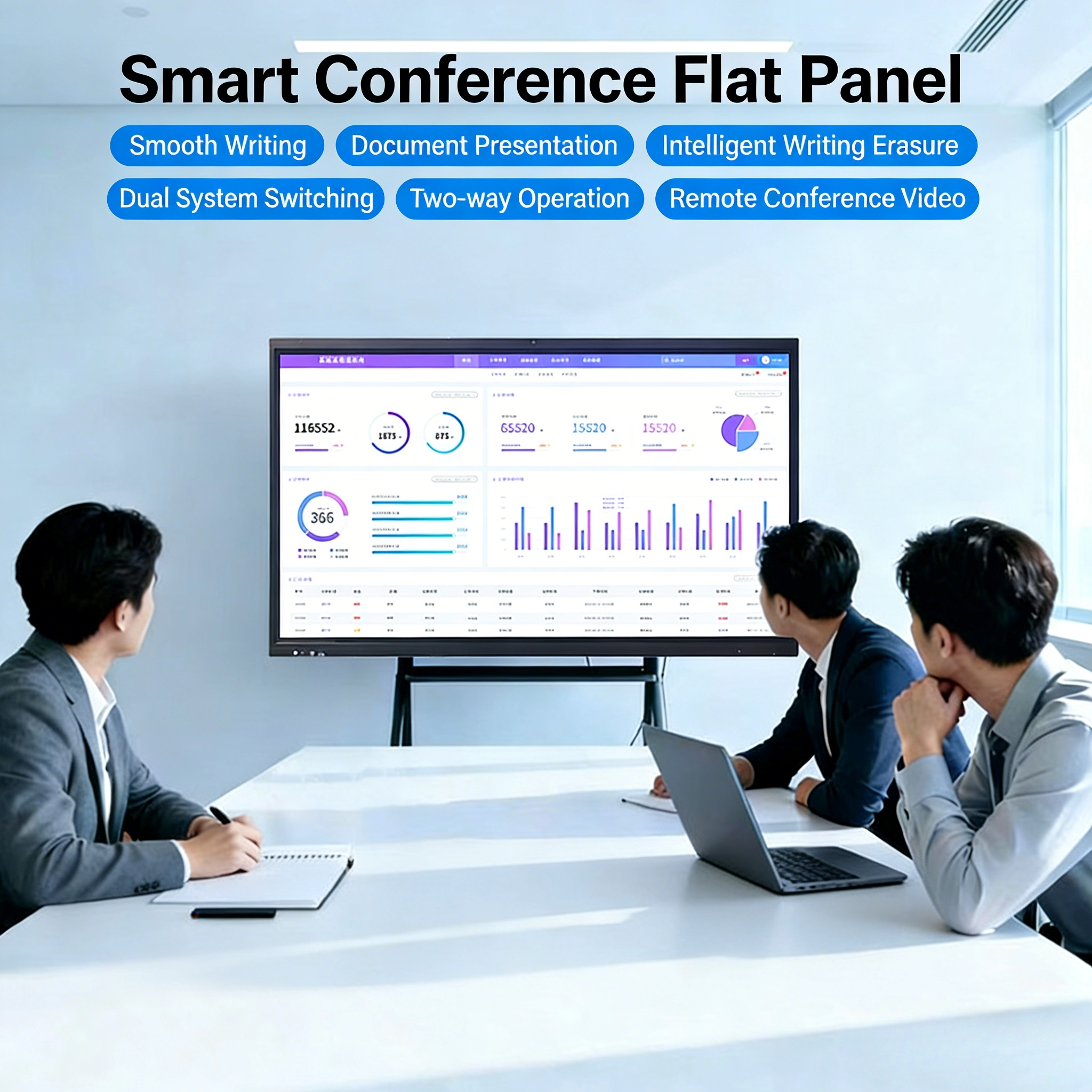
An interactive flat panel looks like a very large tablet, but almost nothing inside it is borrowed from consumer electronics. A 75-inch or 86-inch panel must detect several simultaneous fingers and pens, survive being leaned on during a meeting, keep its touch accuracy at the far corners, and still present a bright, uniform image to a room with the lights on. Achieving all four at once is a systems problem, and the touch layer, the glass, the bonding and the computing platform each contribute a constraint that the others must respect.
Infrared versus capacitive touch in large formats
Two sensor families dominate large interactive panels, and they fail in different ways.
Infrared touch surrounds the display with a bezel containing rows of emitters and receivers along each edge. A finger or pen interrupts a pair of beams forming a light grid, and the controller computes the crossing point. Because the sensing elements are outside the image area, the panel beneath can be an ordinary display and the cost does not scale steeply with diagonal size — which is why infrared remains common in large and very large formats. The drawbacks follow from the same geometry. The bezel must be wide enough to house the optics, dust accumulating on the emitters degrades accuracy, bright sunlight can blind the receivers, and objects resting on the surface — a book, a notebook, a paused hand — block beams and can register as contacts.
Projected capacitive touch places a transparent grid of electrodes on the back of the cover glass or on a film laminated to the panel. It senses the capacitance change caused by a finger or an active pen, supports palm rejection, hover and pressure-sensitive stylus input, and works perfectly under sunlight. Because there is no protruding bezel, the front can be a single flat sheet of glass, which looks better and is far easier to clean. The cost is that the transparent sensor must be patterned, laminated and bonded across the entire active area, and the electrical load of a large electrode grid makes the controller design substantially harder. Yield and lamination quality are therefore the controlling factors in large capacitive panels, and the price reflects that.
| Consideration | Infrared touch | Projected capacitive touch |
|---|---|---|
| Sensing location | Bezel-mounted light grid | Transparent electrode grid in the stack |
| Front surface | Exposed frame around the glass | Single flush glass sheet |
| Pen input | Passive stylus, basic | Active pen with pressure and tilt |
| Sensitivity to dust and sunlight | Higher | Very low |
| Objects resting on the surface | Can register as touches | Ignored by design |
| Cost trend with diagonal size | Moderate | Steeper, driven by lamination yield |
Lamination, glass and the flatness problem
On a large panel, the mechanical stack is where most quality problems originate. The cover glass is typically 3 to 4 millimetres thick and carries an anti-glare or anti-reflective treatment. Between it and the display sits the touch sensor — either patterned directly onto the glass or supplied as a film. The layers are bonded with an optically clear adhesive under vacuum, and any trapped bubble, particle or thickness variation shows up immediately as a visual defect or as a dead region in the touch map.
Scale makes this harder rather than merely more expensive. A bubble that would be invisible on a phone screen is a visible bloom on an 86-inch panel. Glass flatness must be controlled because a bowed sheet changes the adhesive thickness across the panel, which in turn changes both optical uniformity and the capacitance baseline that the controller calibrates against. Thermal expansion differs between glass, adhesive, sensor film and the metal frame, so the assembly must be designed to accommodate movement without building stress into the glass — a constraint that becomes visible when a panel mounted in a warm room develops colour banding or touch drift near its edges.
Rigid frames, careful adhesive selection and controlled bonding environments are consequently not optional refinements; they are the reason two panels with identical specifications can feel entirely different after a year of use.
Multi-user touch behaviour and palm rejection
Claimed touch points are easy to inflate. What matters in a real meeting room or classroom is whether simultaneous input from several people is reported cleanly, without ghost points and without dropping a stroke when a palm rests on the glass.
- Ghost points appear when the controller mis-assigns the intersections of touches. Infrared systems with wide emitting angles are more prone to this; capacitive systems suppress it algorithmically.
- Palm rejection distinguishes a resting hand from an intentional touch, usually by comparing contact area, shape and movement. On large panels it is essential, because users lean on the surface while writing.
- Stroke interpolation determines whether a fast diagonal line looks smooth or stair-stepped. The report rate must be high enough that the digitizer samples faster than the fastest realistic hand movement.
- Water and contamination change the capacitance baseline. Good firmware tracks that drift continuously rather than requiring a manual recalibration after cleaning.
These behaviours are verified in practice, not from a datasheet: draw ten crossing lines with two hands, rest a palm while writing, place a notebook on the surface, and then repeat the same gestures at the four corners and along both long edges, where sensing margins are tightest.
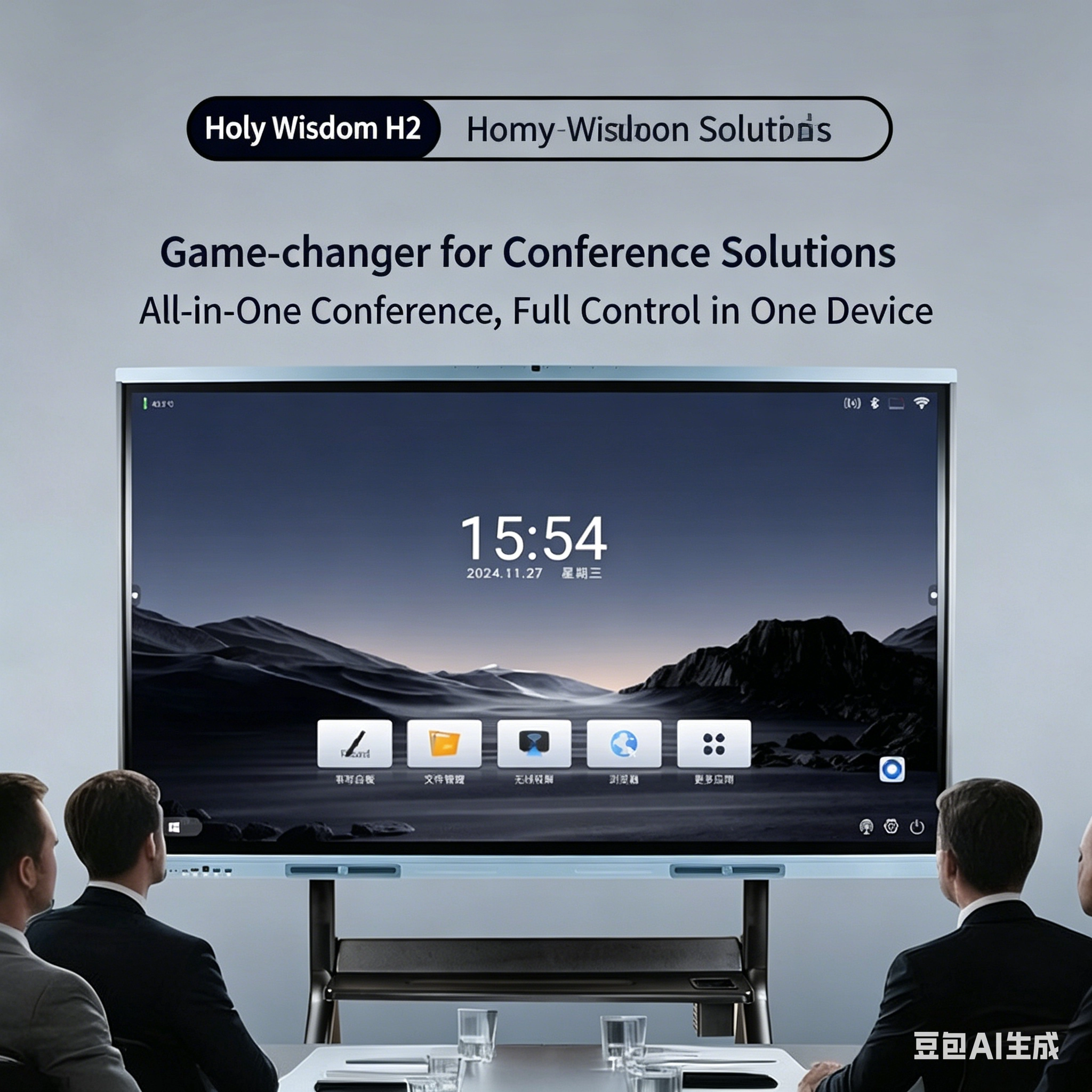
Integrating display, compute, audio and network
The panel is the visible part of a system whose reliability depends on the other parts. A practical interactive installation has to answer four integration questions.
- Where does the computing live? A slot-in module that complies with a standard open-pluggable specification lets the panel be upgraded without replacing the display, which extends the service life of the most expensive component.
- How is the room wired? A single USB-C or HDMI connection that carries video, touch data, audio and power simplifies installation enormously and removes the two-cable confusion that causes most "touch does not work" support calls.
- How does audio reach the room? Front-facing speakers keep the sound aimed at the audience; a line output to an external amplifier is the better choice in larger rooms, but must be planned rather than added later.
- How is the panel managed? Remote device management, scheduled power control and firmware update capability turn a fleet of panels from a maintenance burden into a manageable asset.
Thermal design deserves separate mention. Backlight, power supply and computing module all generate heat inside one enclosure, and the panel's own brightness and touch accuracy fall as internal temperature rises. Panels intended for continuous duty therefore use aluminium back chassis, well-planned venting and temperature-controlled fan profiles — with fanless designs preferred in dust-sensitive or noise-sensitive rooms, provided that the chassis itself is engineered to dissipate the load.

What to verify before accepting a delivered panel
A short acceptance routine catches the defects that specification documents cannot describe. Inspect a full white field for uniformity and a full black field for light leakage in a darkened room. Check the touch grid at the corners and along the edges. Run the panel at full brightness for several hours and feel the back for hot spots. Confirm that the advertised simultaneous touch count is actually reported by the software used in the room, not merely supported by the controller. Confirm that the panel wakes when the source signal appears and that scheduled power events behave as configured.
Above all, verify the panel against the way it will be used. A display that scores well in a showroom under controlled lighting says little about behaviour in a bright classroom with sixty users a day, networked to a management platform, running content and collaboration software that were never part of the original demonstration. Buyers who test in the real conditions — and who expect the supplier to have documented quality and inspection processes behind the product — are the ones who avoid replacing panels before their time.